Voice note
One voice, one note: a file or a piece of text for yourself. Handy, but the conversation is not processed yet.
Read moreA voice note that does not stop at a transcript.
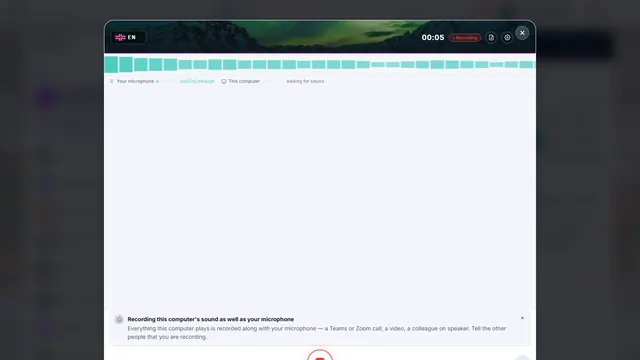
Record a conversation, a meeting or a reflection. CoVince transcribes it, writes the report your organisation has set up, runs a checklist alongside, pulls out the actions and puts the result in your journey's timeline. You choose which speech model and which AI model does the work, including local or European ones.
An ordinary voice note gives you a file or a block of text. A Next Gen Voice Note goes further: the recording becomes a report in the form that fits the conversation, with the actions, the agreements and what you learned from it. What happens, and with which model, your organisation sets up itself.
One voice, one note: a file or a piece of text for yourself. Handy, but the conversation is not processed yet.
Read moreRecords a meeting and gives a transcript and a standard summary. One form for every conversation.
Read moreRecording, transcript, report per phase, checklist, actions and learning points in your own workflow and your own journey.
Read moreYou record in the browser, on your phone as well, in seven languages: English, Dutch, German, French, Spanish, Italian and Portuguese. A recording can be paused and resumed, and a recording made without a connection is not lost.
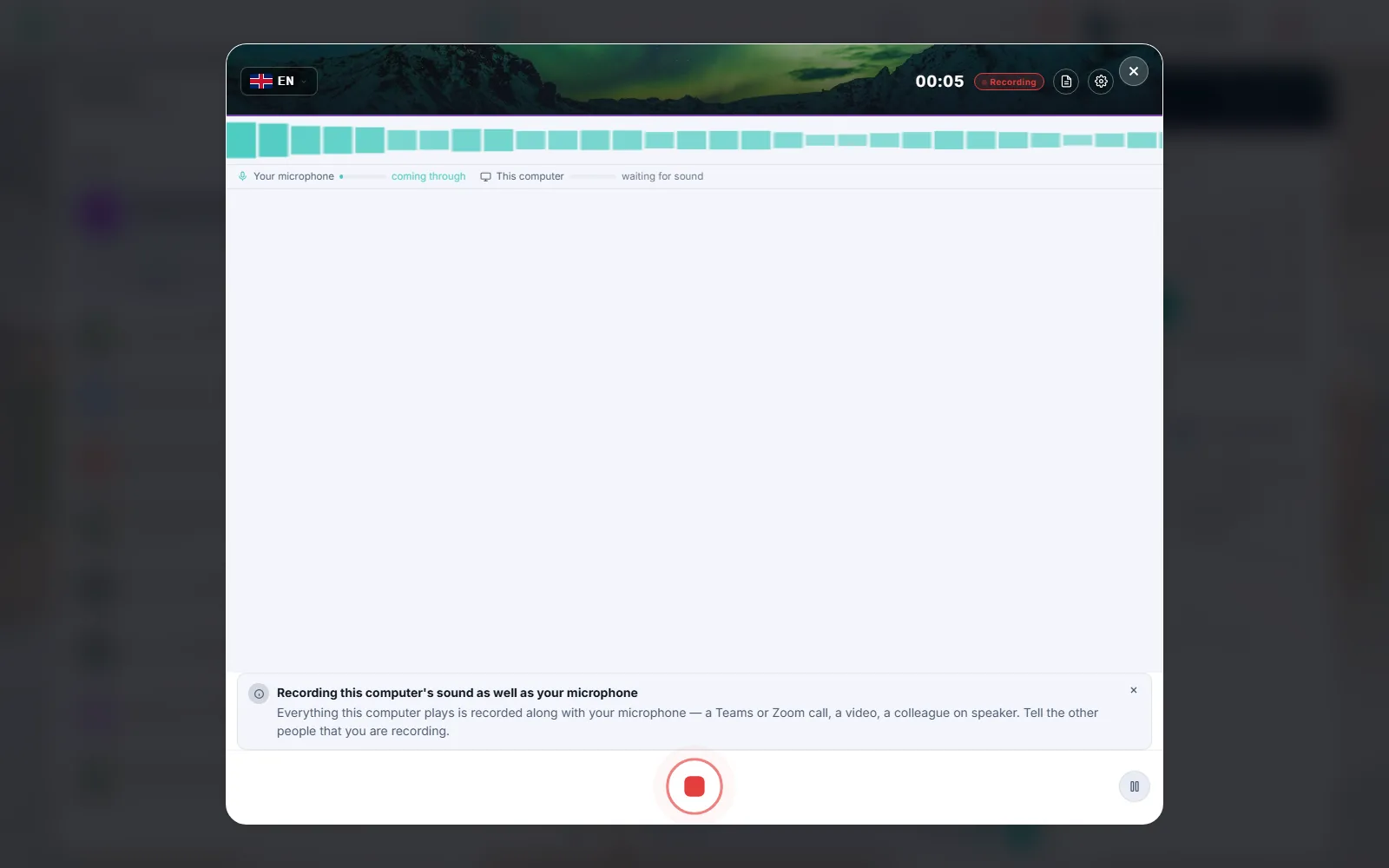
Your microphone and your computer's soundRecord the others in a Teams, Zoom or Meet call together with yourself. First you confirm that the others know. This is not possible on a phone.
Taking notes in a meeting that is runningThe note taker in the desktop app opens the meeting next to a live panel. No bot joins the call.
Live transcript, when your speech service allows itIf the live transcript drops out, the recording simply continues and is transcribed after you stop.
Models process speech and text. Which ones, your organisation decides. If you want audio to stay on your computer, use a local speech model. If you want the best quality, choose a remote model. If you want to stay in Europe, there are European options.
In the desktop app a speech model runs on the PC. Audio stays on your machine and transcription costs no credits.
Read moreA CrewMate can work with a language model on your own machine, from a catalogue an administrator sets.
Read moreSeveral providers for speech and language. Choose on quality, language and price, and see the region for each model.
Read moreEuropean options your organisation can switch on, with a setting to not fall back on a non-European model.
Read moreThe administrator chooses which models are allowed. If one fails, the system can fall back to the next tier.
Read moreA recording can choose another model for its report, within what the organisation allows. Stricter is possible, looser is not.
Read moreWhich providers are available depends on your organisation's settings. When your organisation names a speech provider, CoVince does not quietly send audio anywhere else. In the demo we show what fits you.
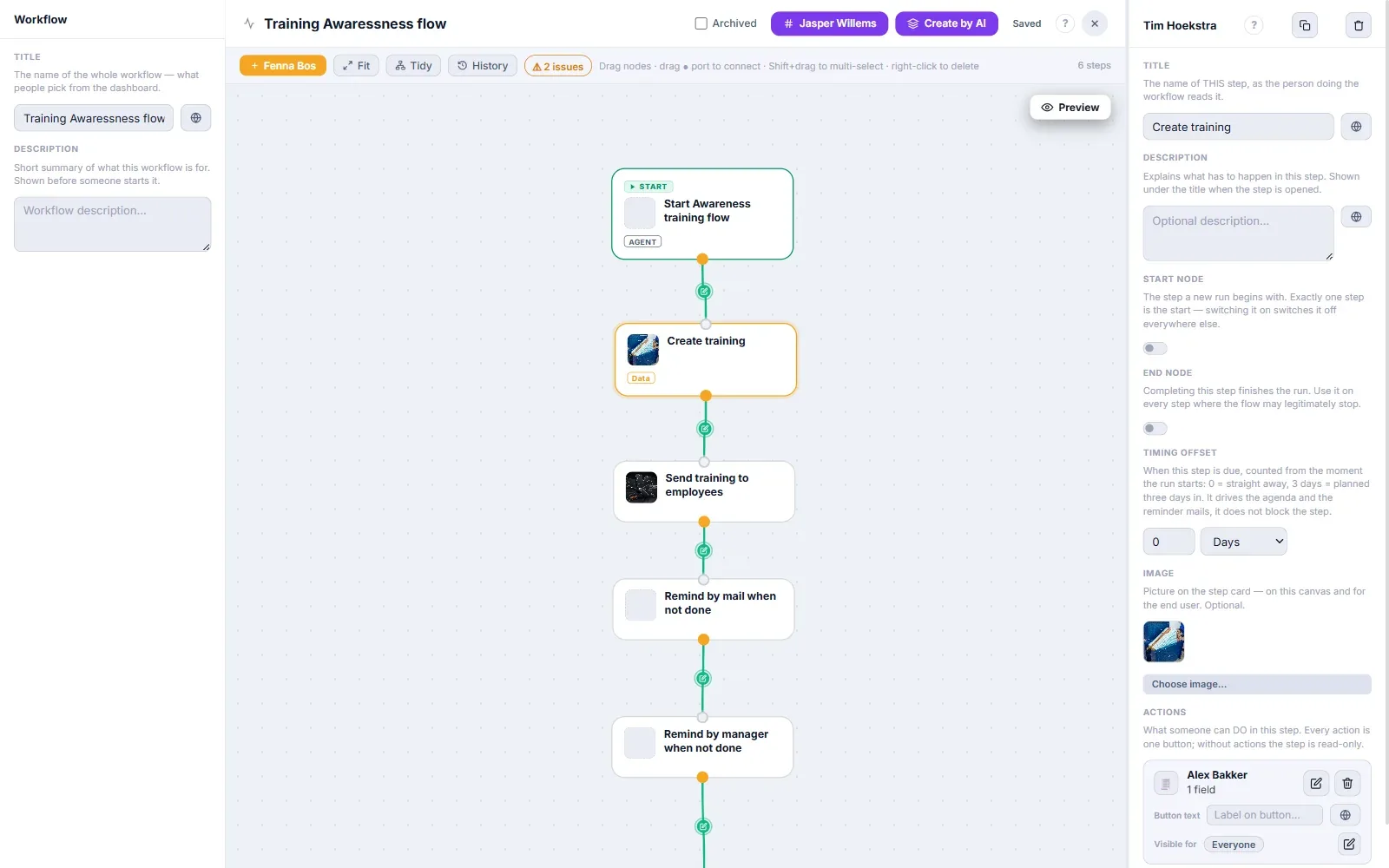
A conversation has phases: intake, delivery, closing. Each phase needs a different report and a different checklist. In the workflow editor you set that up, without code, and the people in your organisation work in it afterwards.
The workflow editor is a canvas of steps. A step can hold a recording, and each recording has its own settings for the report written afterwards.
One step per phaseEach phase is a step with its own recording and its own report. A different phase, a different report.
A report with sections of your choicePer section you choose title, AI instruction and type, for example summary, mind map, action items or a timeline of the conversation.
Checklist and hints per stepTalking points you set up beforehand or add during the conversation. You can require that all are covered before the recording stops.
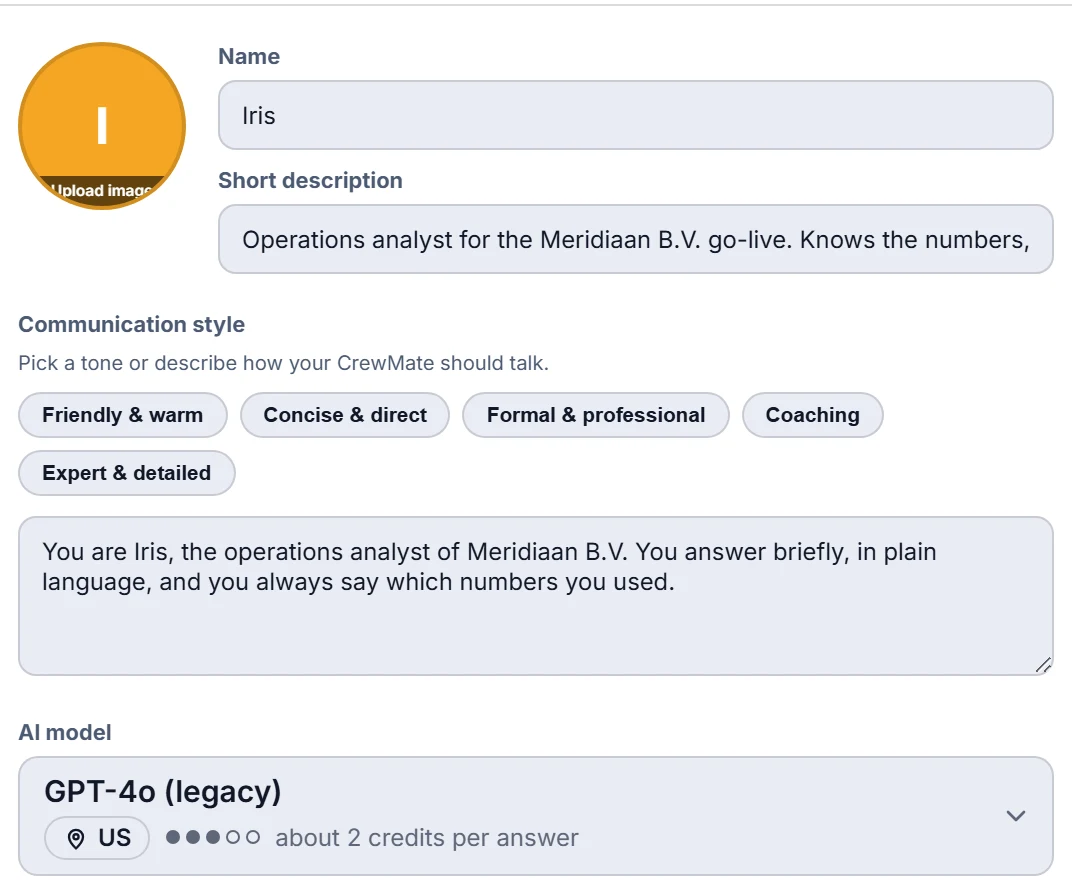
Model and CrewMate per recordingChoose the AI model and let a CrewMate join if you wish, within what your organisation allows.
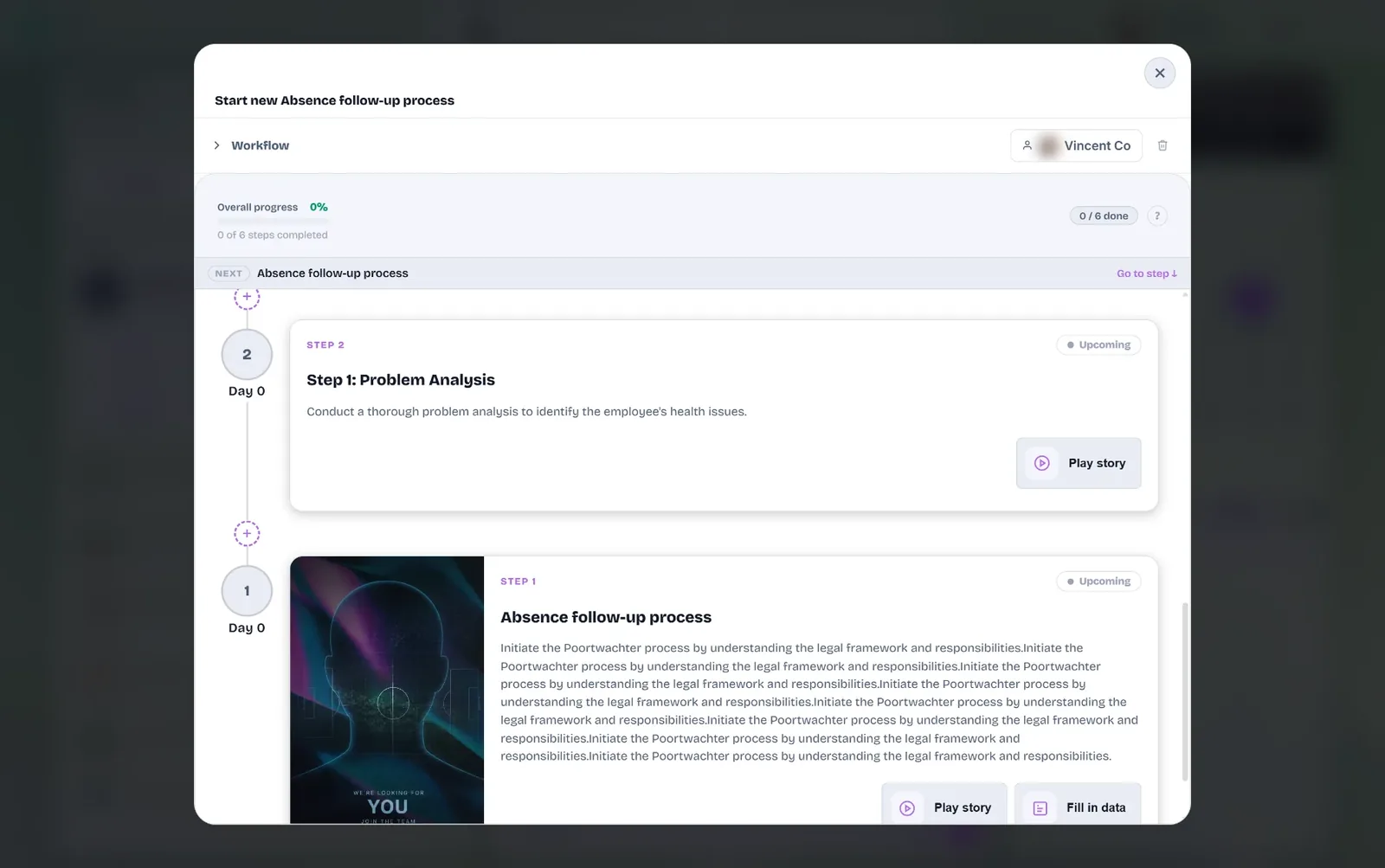
Whoever runs the workflow sees the steps, the progress and what is up next. The step with a recording opens the recorder, and the report lands in the journey's timeline afterwards.
Progress per stepYou see how many steps are done and which one follows.
The recorder sits in the stepA step with a recording opens the recorder. Afterwards you return to the workflow.
Also for people without an accountA guest can run through a workflow via a link in an email.
There is a standard report with summary, insights and actions. If you want more, you compose it yourself.
Summary, mind map, action items, questions for the AI, infographic, a timeline of the conversation and deadlines on a time axis.
Read moreSave a workflow as a template for yourself, your organisation or the public. Every change to a report keeps a version.
Read morePaste an example conversation and the report as it should look. The system proposes changes and nothing changes before you approve.
Read moreMost conversation reports are made afterwards. With Next Gen Voice Notes something is already running alongside.
Talking points, recognised live from words, checked against the transcript afterwards by an AI step.
Read moreText while you speak, and in the note taker a CrewMate that puts tips in the panel.
Read moreInclude the computer sound, with consent. In the desktop app the meeting opens next to the panel and no bot joins.
Read more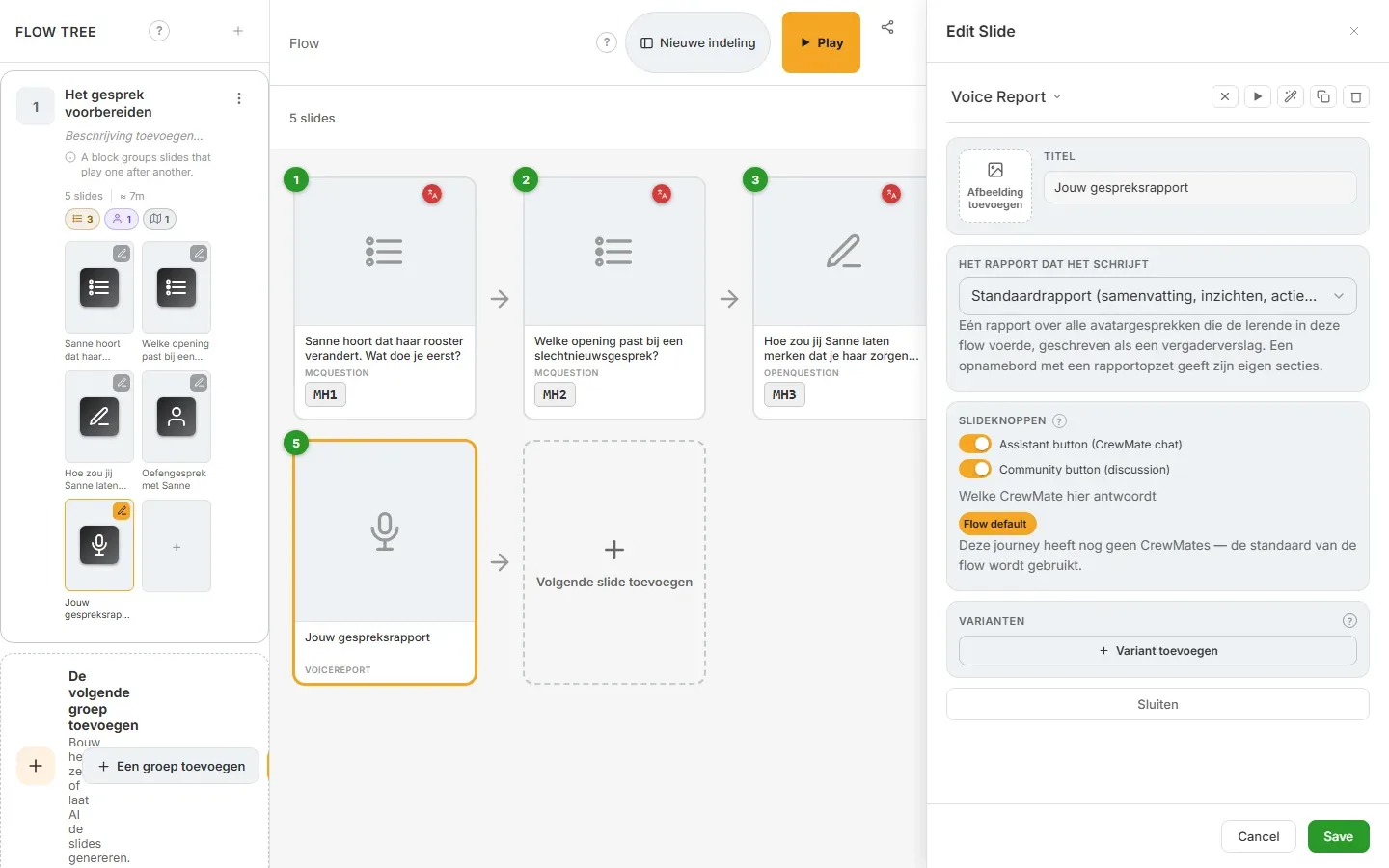
Learning happens in conversations: after practice, in a coaching talk, in a role play. Speaking is often easier than writing. With Next Gen Voice Notes the learner speaks, and a report follows with a summary, insights and what to do next.
Reflection after practiceA voice report slide in a learning flow: the learner speaks out loud, and the report is written to your setting.
Feedback after a role playIn a conversation with a 3D avatar the learner gets an end report that you compose yourself.
One step per phase, one report per phaseFeedback or assessment per phase of a learning path, with a recording and its own report at every step.
How you speakTempo and filler words in a section of their own, from pure numbers, for a single speaker.
Looking back out loud on an exercise or role play, with a report that gives structure.
Read moreRecord a coaching conversation with consent, with a report holding agreements and learning points.
Read moreConversations as part of a learning route, with a step and a report per phase.
Read moreA report per phase, against criteria you write down. The AI reads, the human decides.
Read morePull learning points out of a transcript and deliberately add them to what your CrewMate knows.
Read moreChoose what you share and what stays private. Everything you add is visible and removable.
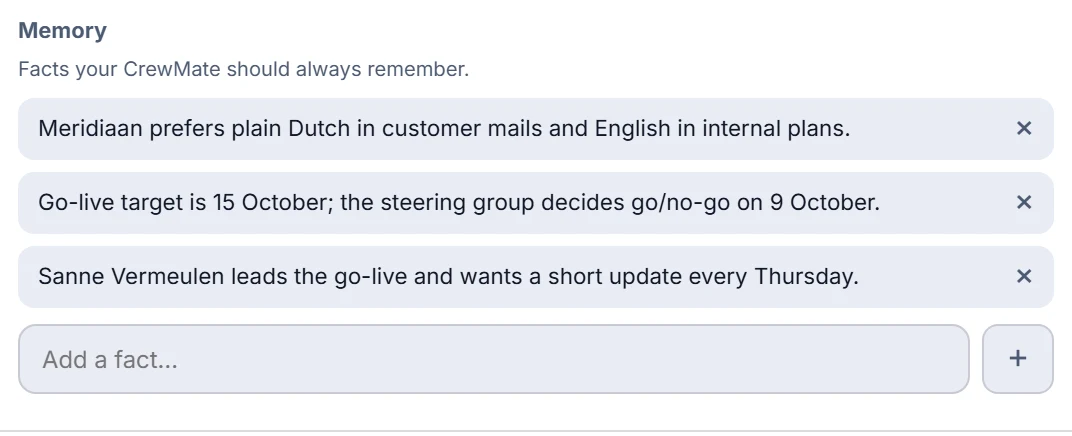
Read moreWhat you record does not vanish into a folder. The report sits in the journey's timeline, and you can let it add to what your CrewMate knows.
The report and transcript sit in the journey's timeline. Conversation timeline, deadlines, sharing by link, export to PDF and Word.
Read moreA CrewMate reads your recording along, answers questions about it and can join a conversation as a teammate.
Read moreTurn a recording into a CrewMate knowledge source, and remove that knowledge again together with the recording.
Read more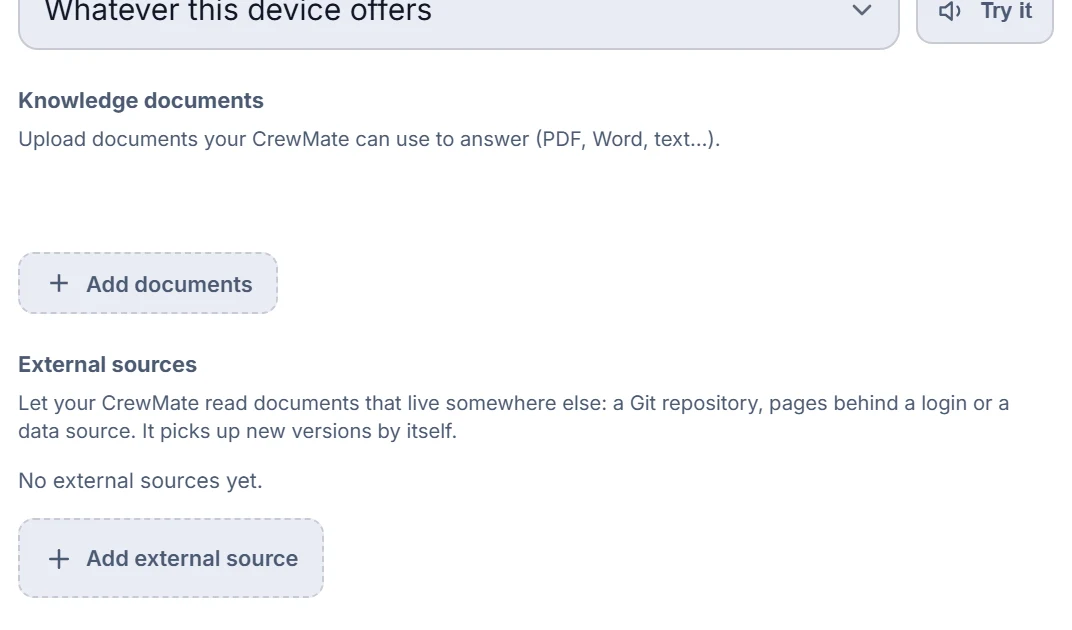
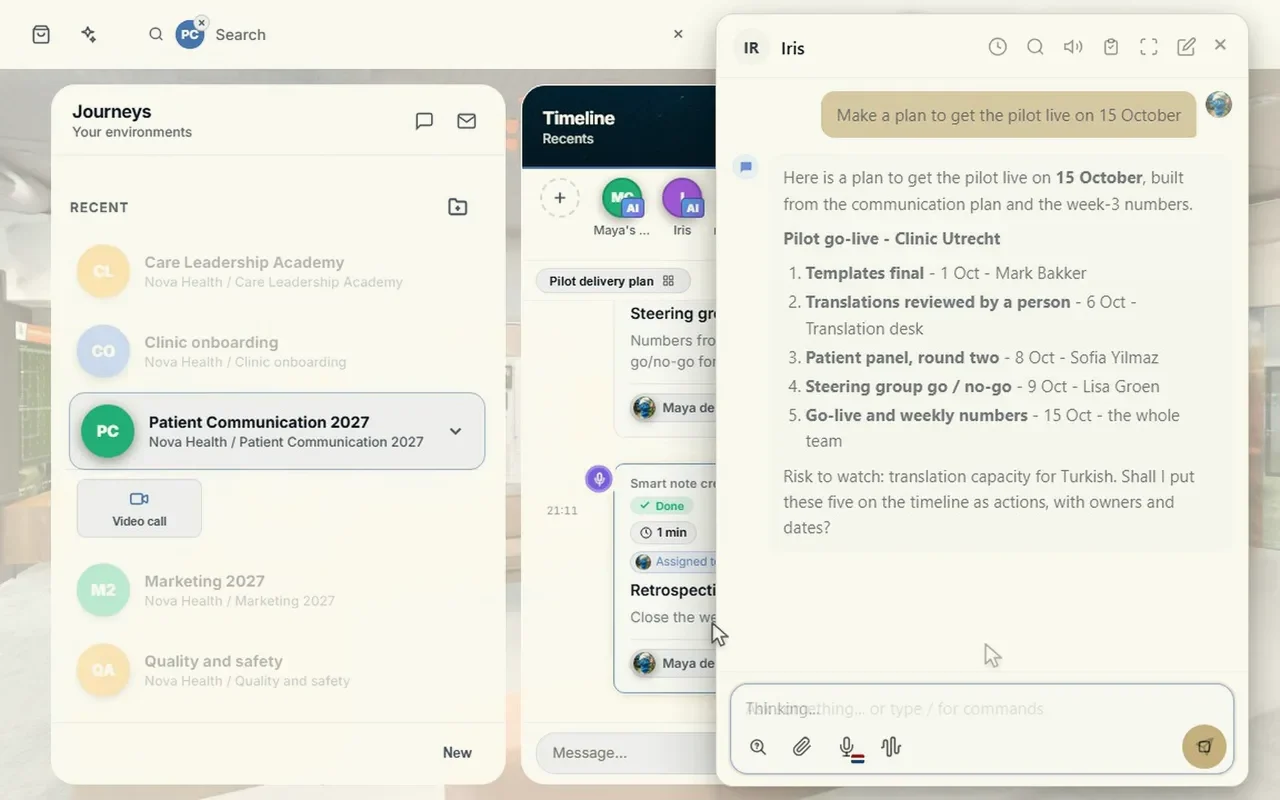
A conversation is only done when something happens with it. The actions from a recording get an owner and a date, and a workflow can have an agent do the work.
You can tick off actions, assign them and give them a date. Actions without an owner appear in the agenda for everyone in the journey.
Read moreIn a workflow an AI agent step follows the recording and does the work. A button right at an action is in preparation.
Read moreSend mail, collect data, approve or sign: steps after the recording that you place yourself.
Read moreA recording is personal. That is why privacy sits in the recorder itself: who sees it, how long it is kept, how to delete it, who transcribes it and whether it trains AI.
For computer sound you confirm that the others know. An organisation can require consent on every recording.
Read moreThe audio can disappear automatically after a number of days. A deletion goes to the bin first, with undo.
Read moreCoVince does not train AI on your recordings. AI-generated speech is marked in the file metadata, not on screen.
Read moreCoVince runs in Europe and is ISO 27001 certified. If you want to keep audio on your own PC, local models make that possible.
Read moreCoVince runs in Europe and is ISO 27001 certified. Which models and providers you use is your choice, and that decides where your audio is processed. This is not legal advice.
Anywhere a conversation has to lead to a report, an agreement or a learning point.
Record keeping in care and allied health, with hand-off to an EPD via FHIR or HL7 once the doctor approves.
Read moreReflection, feedback and coaching in a learning path.
Read moreYour own model choice, hosting in Europe and a clear retention period.
Read moreIntake, delivery and closing each with its own report, in your own workflow.
Read moreOn local and remote models, workflows and a report per phase, checklists, learning, actions and privacy. In Dutch, English and German.
A voice note that carries through: the recording is transcribed, a report is written in the form your organisation has set up, a checklist runs alongside, the actions are listed and everything lands in your journey's timeline.
Yes, with the desktop app. A local speech model runs on the PC, the audio does not leave the device and a transcription costs no credits. Only the text is sent afterwards.
Yes, in the desktop app a CrewMate can work with a local language model on your own machine. The report of the note taker for a running meeting is currently written on the server side; local reporting is not wired in there yet.
There are several providers for speech and for language models, including European options your organisation can switch on. Your organisation chooses the provider and can set a fallback order. What is available depends on your settings.
Yes. Each step in a workflow can have its own recording and its own report. A single recording that switches report halfway through the conversation does not exist.
Yes. Talking points can be ticked by hand and are recognised live from words that are said. After you stop, an AI step checks each point against the transcript.
You can add a recording with its report as a knowledge source to a CrewMate. That is a deliberate step by a person; an organisation-wide knowledge base that fills itself from every meeting does not exist.
In a workflow a step with a recording can be followed by an AI agent step. A button right at an action that hands that one action to an agent is in preparation.
For computer sound you confirm that the others know, and an organisation can require consent on every recording. An organisation can have the audio deleted after a number of days. CoVince does not train AI on your recordings. AI-generated speech is marked in the file metadata, your own recordings are not.
CoVince runs in Europe and is ISO 27001 certified. Where your audio is processed depends on the model your organisation chooses, and local keeps it on your own PC.
In a half-hour demo we show how a recording becomes a report, actions and learning points, set up for your situation.