
Swipe on the phone
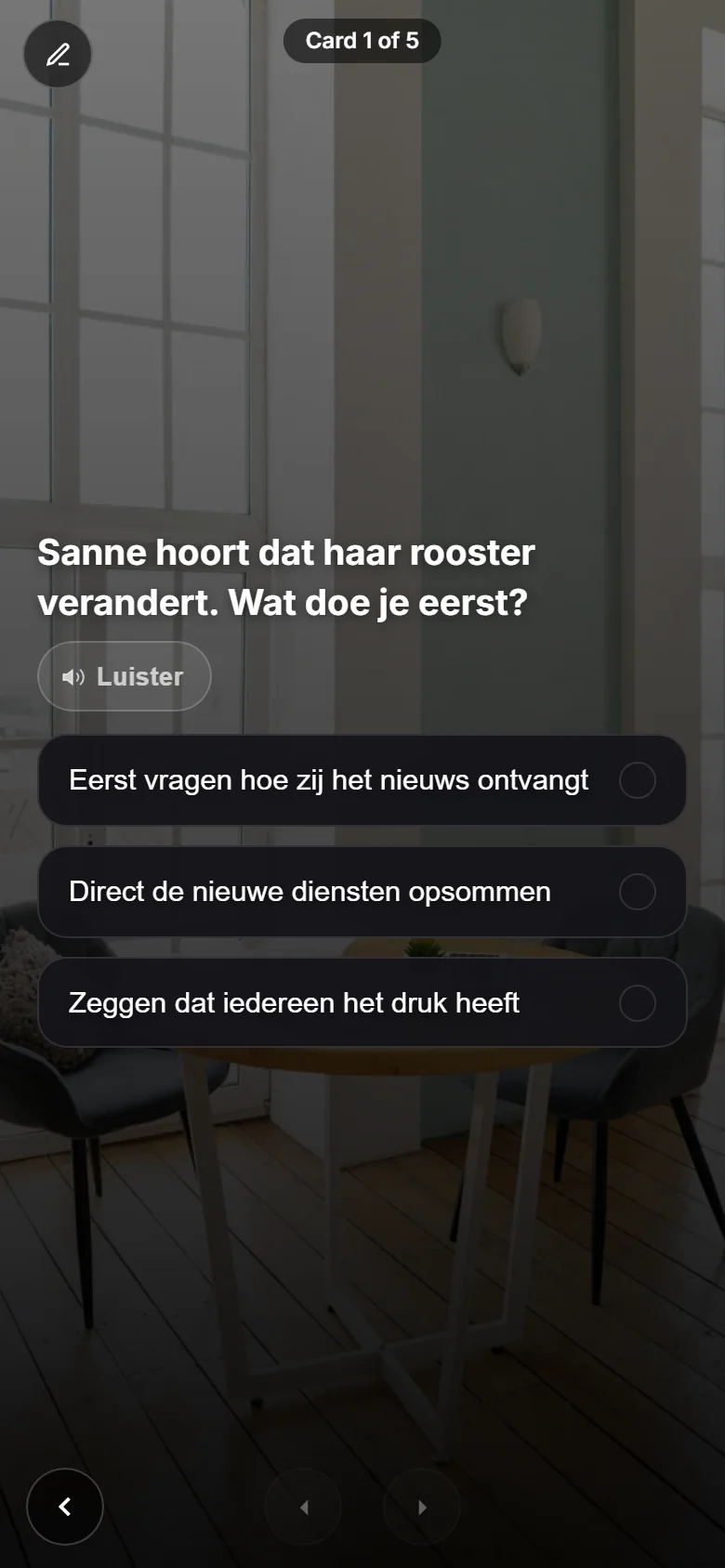
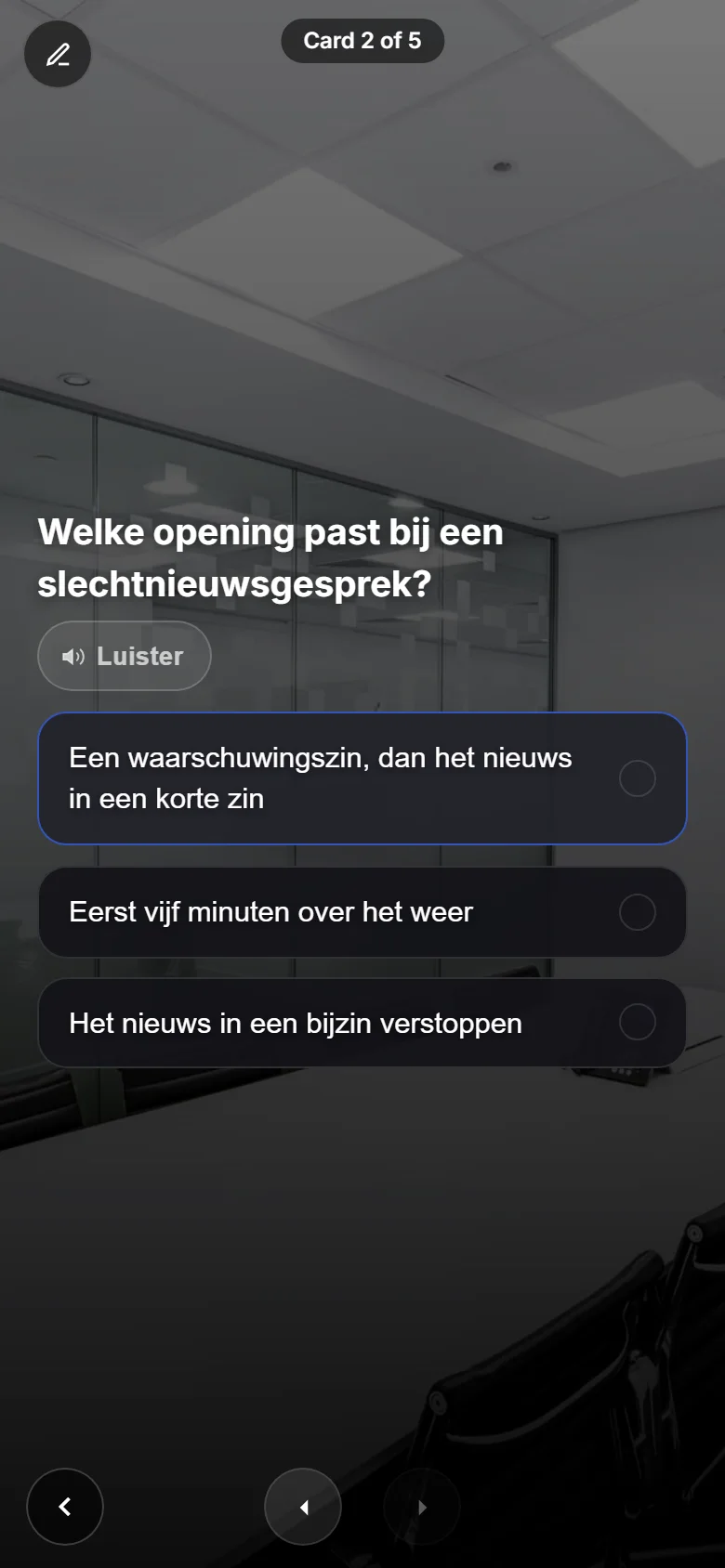
One card, one question, one answer. Pick your answer and the next card follows by itself. Short enough for in between.
Read moreFrom learning goal to measurement in one platform: AI drafts the journey, people swipe, practise with AI colleagues, play together and see what sticks.
Everything that belongs to it
From knowledge to what people actually do: not one AI trick, but the whole learning journey in one platform.
AI drafts a first training from your own documents; your expert reviews and publishes.
Create training with AIPractise conversations in an AI roleplay and make decisions in scenario games, solo or as a team.
AI roleplayShort lessons on the phone, inside the work: onboarding, workflows, chat and a CrewMate that answers questions.
Digital onboardingScores per theme, graded conversations and a report per person: see what sticks.
Measure training effectivenessNew to these words? Read the glossary.
Learning is a cycle: build knowledge, practise, apply, learn together and look back. Rewarding runs along as the outer ring, continuously. Click a phase to see what it does didactically and which parts of CoVince belong to it.
Everything starts with what someone should do differently. A concrete, measurable goal decides which phases you use and what you measure later.
CoVince parts
In this phase too, points, awards and the leaderboard run along.
Phase 1
Build knowledge in short pieces. Short questions in between make people actively recall the material (retrieval practice), which sticks better than reading alone.
CoVince parts
In this phase too, points, awards and the leaderboard run along.
Phase 2
Practise safely with immediate feedback: a role play with CrewMate, a scenario game, a 3D simulation or VR. Deliberate practice, where mistakes cost nothing.
CoVince parts
In this phase too, points, awards and the leaderboard run along.
Phase 3
Apply it where the work happens: through the timeline, chat, workflows and a voice report. Transfer from practice to real situations is where learning proves itself; after a voice report a button takes you on to a swipeslide.
CoVince parts
In this phase too, points, awards and the leaderboard run along.
Phase 4
Learn from and with each other: trainings with dates and sign-up, group scenario sessions, challenges against colleagues and the conversation on the timeline. Explaining and responding to others deepens understanding (peer learning).
CoVince parts
In this phase too, points, awards and the leaderboard run along.
Phase 5
Look back and measure what sticks: reports, measurements and progress per person and group. Reflection turns experience into insight, and repeated measurements show what needs repeating (spaced repetition).
CoVince parts
In this phase too, points, awards and the leaderboard run along.
Rewarding is not an end point but runs through every phase: points per question, awards with ranks, certificates and a leaderboard. Immediate recognition sustains motivation and shows what has already worked.
CoVince parts
Real recordings of the platform. Keep scrolling: the story changes on one side, the picture on the other.
One card, one question, one answer. Pick your answer and the next card follows by itself. Short enough for in between.
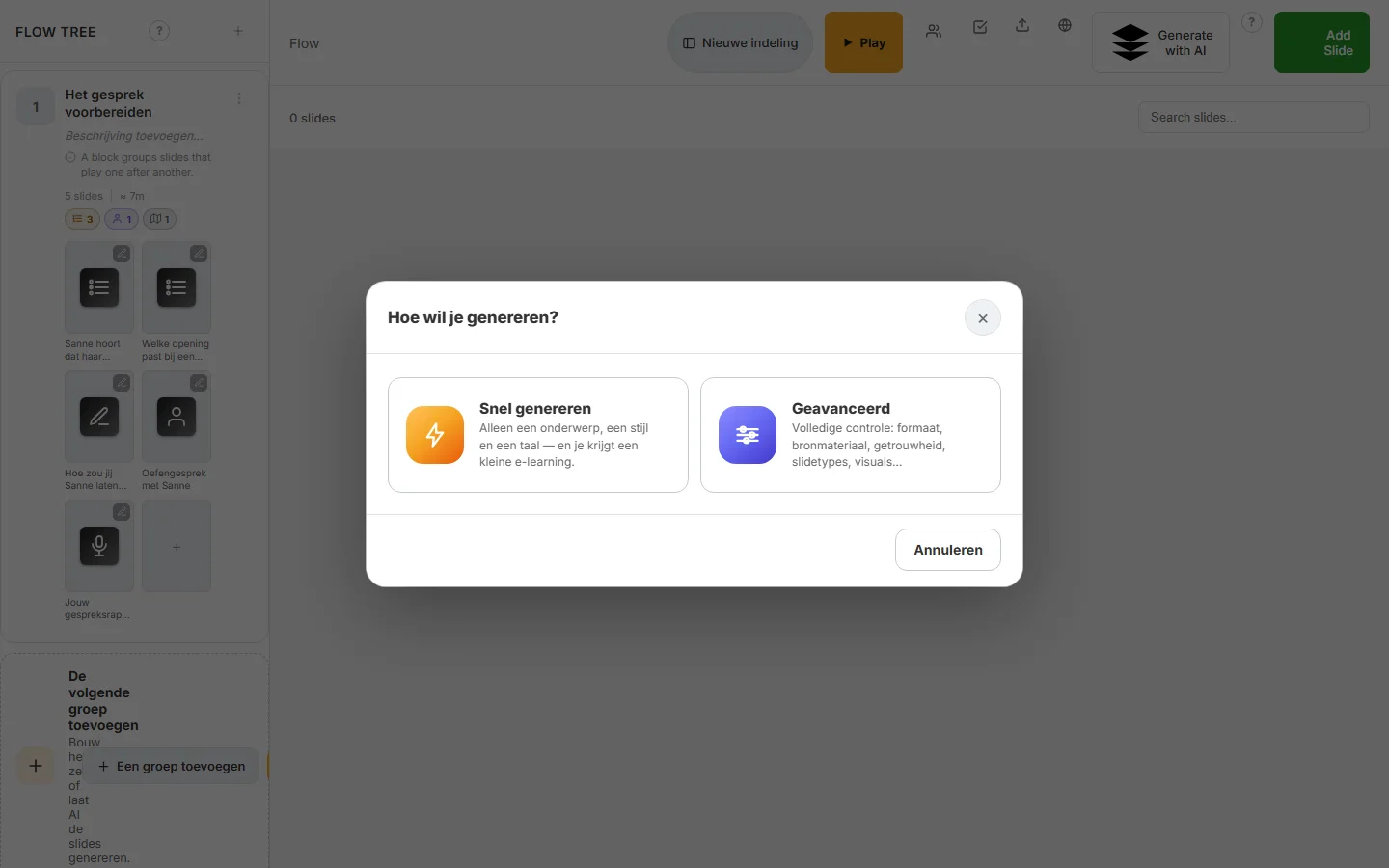
Read moreChoose quick generate with just a topic, or advanced with source material and slide types. Then adjust every slide yourself.
Read moreA practice conversation with an AI colleague, in the middle of the journey. A personal conversation report follows.
Read morePick a scenario game and a role. Playing alone? Then virtual colleagues play the other roles.
Read moreStep 1 · 3
A journey is a stack of slides you swipe through, on your phone or a big screen. 36 slide types ship standard, from multiple choice and AI-graded open questions to voice, video and minigames.
Every slide holds one question or idea; no wall of text.
Resume where you stopped: progress lives on the server, on any phone.
Points per question, a leaderboard and challenges against a colleague.
Step 1
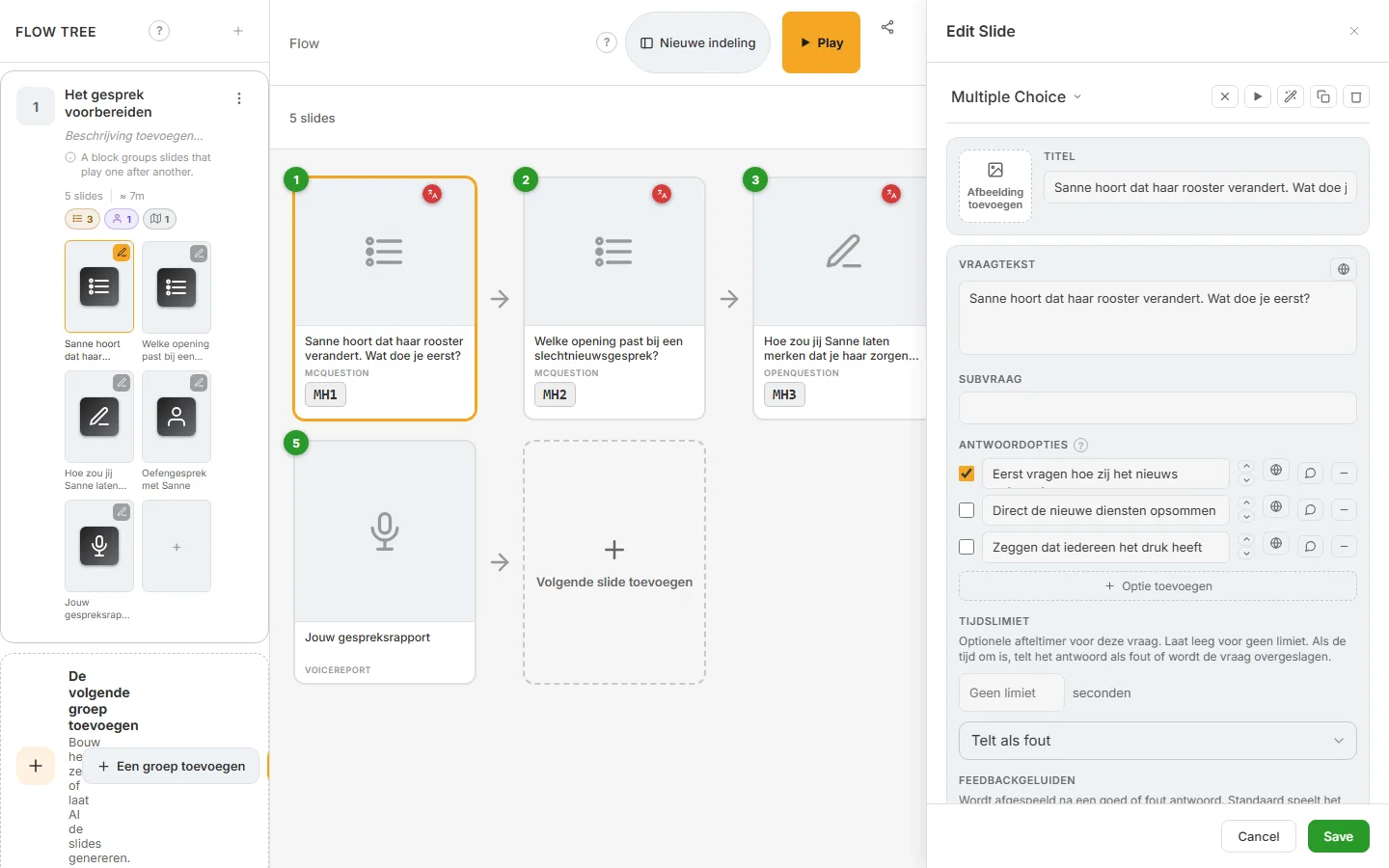
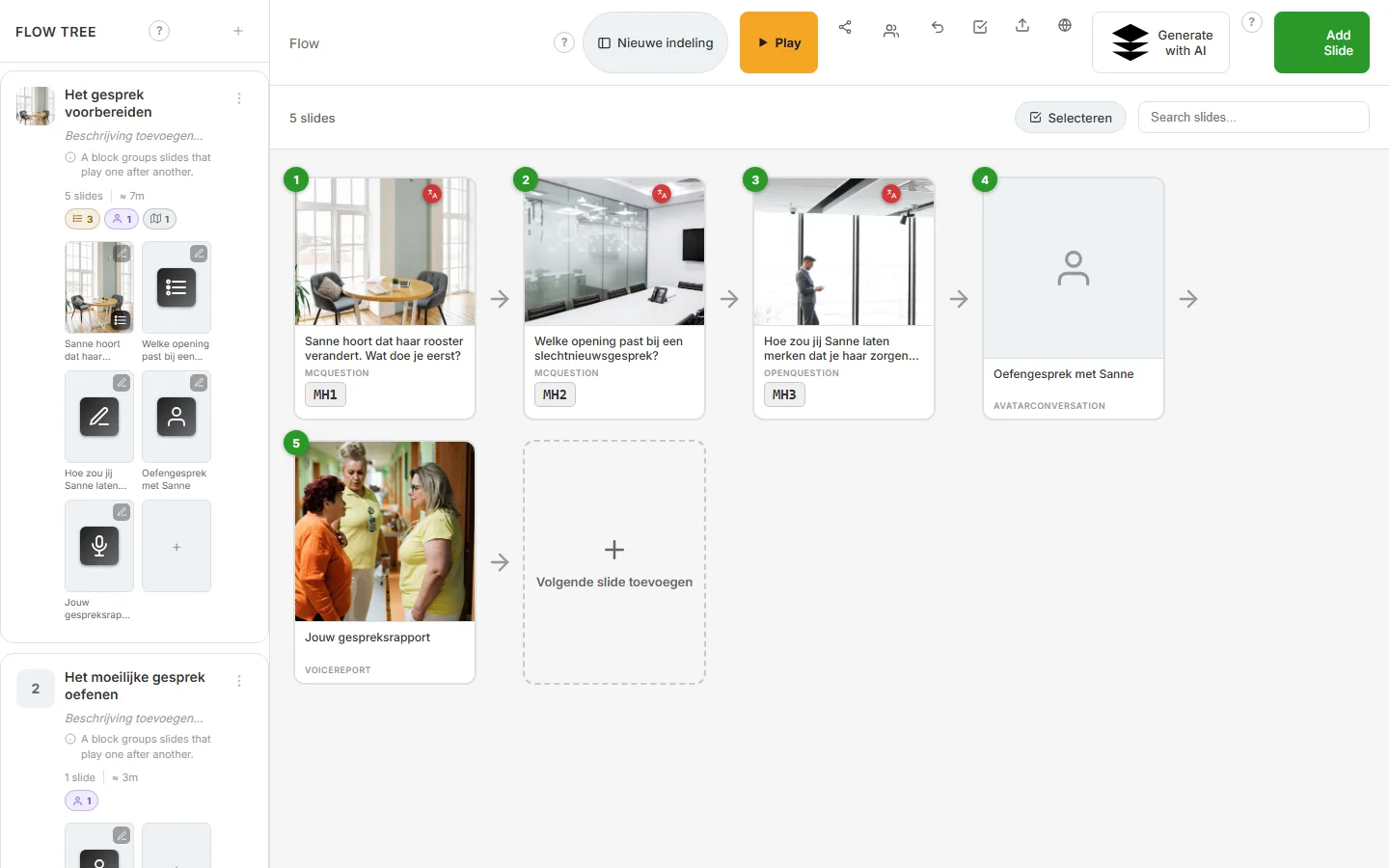
Give a topic or upload a document: the AI builds structure, chapters, slides and texts, with images and video. You review and steer; a flight check goes through the journey before you publish.
You keep the pen: AI delivers the first draft, you adjust and publish.
Let the AI change a single slide, and translate a text in one click.
Existing work stays usable: import from Moodle, PDF and Excel or CSV.
Step 2
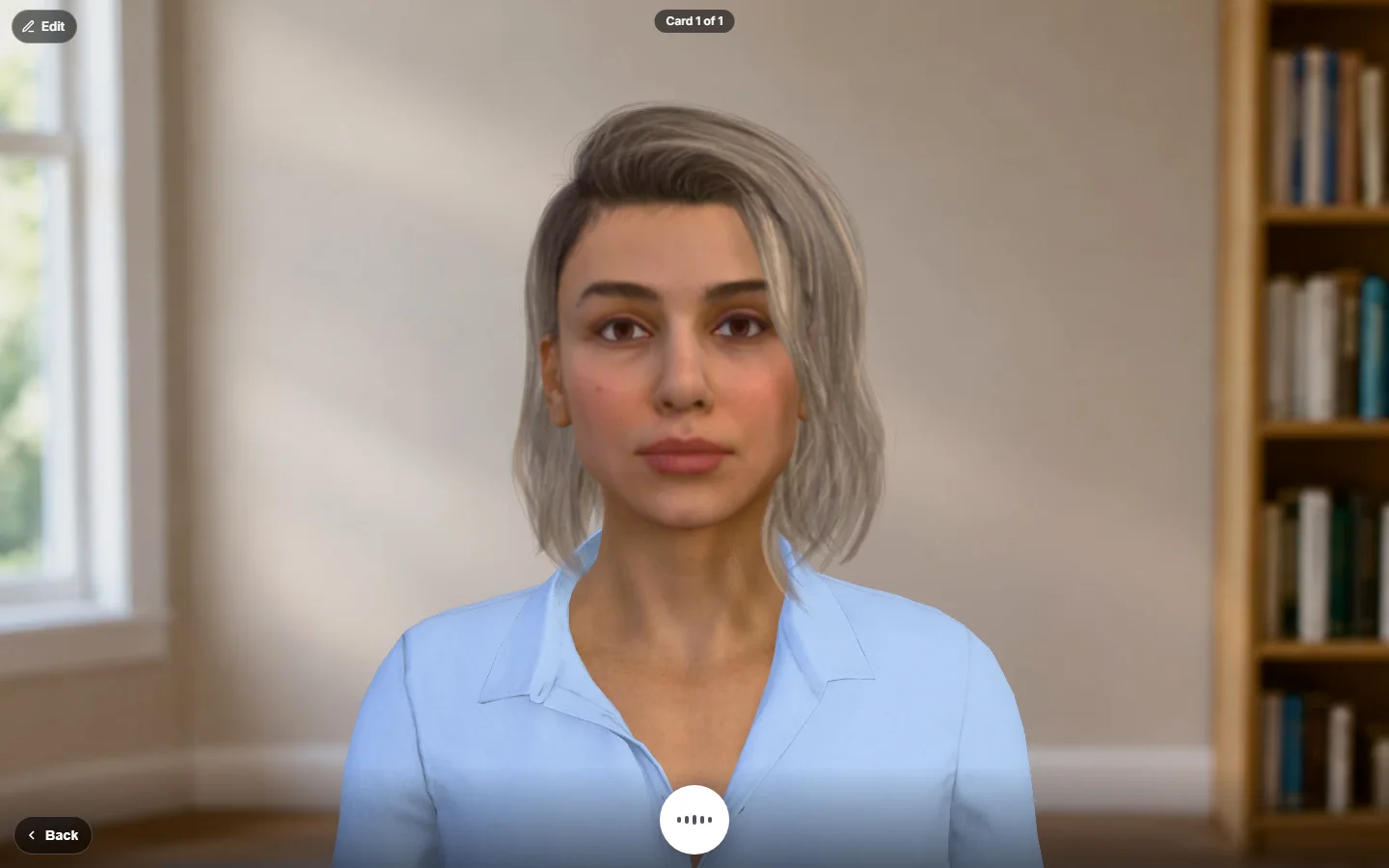
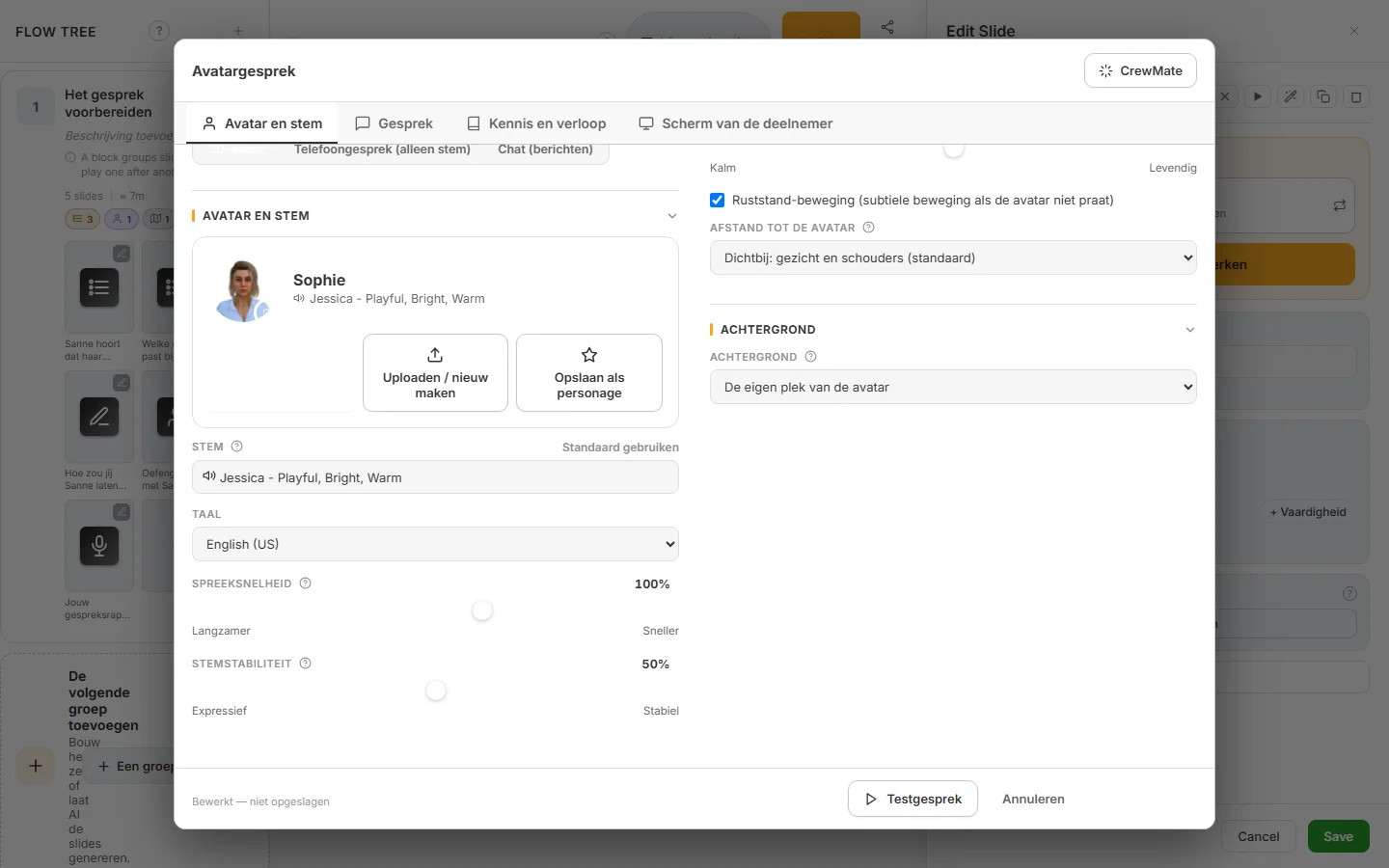
In a conversation slide the learner talks, typing or by voice, with a CrewMate in a pre-described situation. The conversation is graded. A voice report slide writes it up as a report; the next button takes you on into a swipeslide.
Type or talk: speech is recognised and the answer is read aloud.
A graded conversation with a report: summary, insights and actions.
The author picks the CrewMate per slide, a 3D avatar with a speaking head.

Step 2 · 4
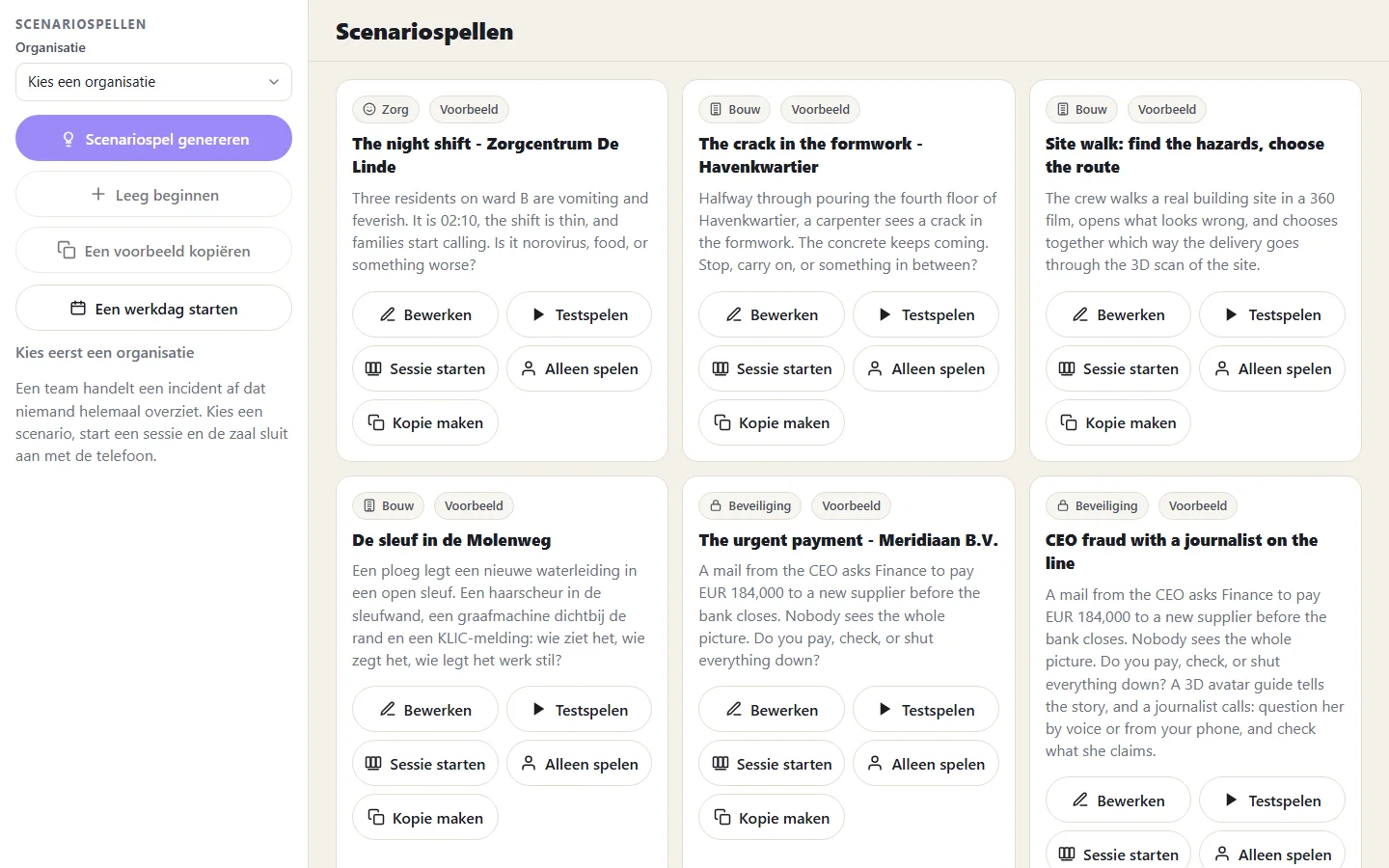
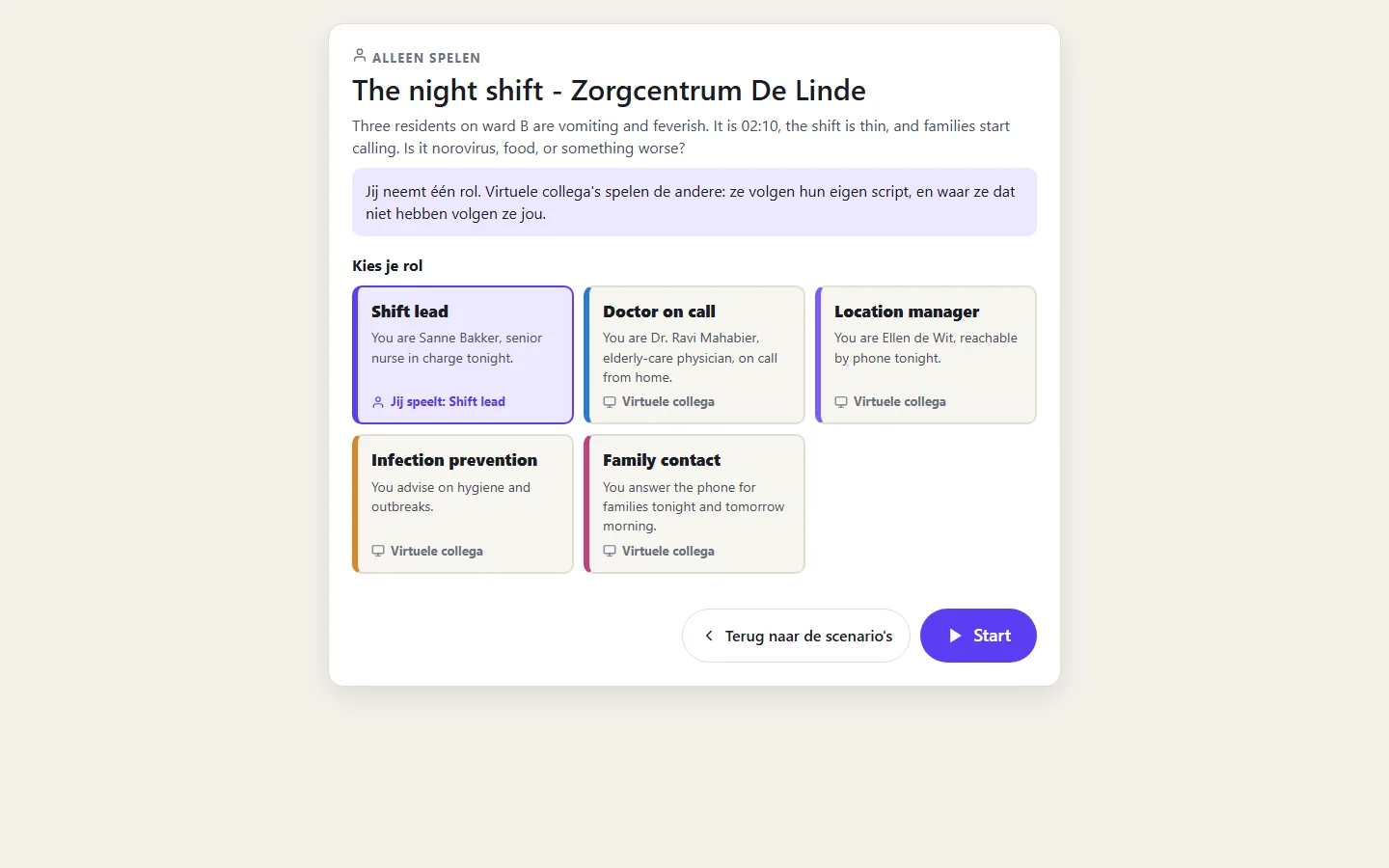
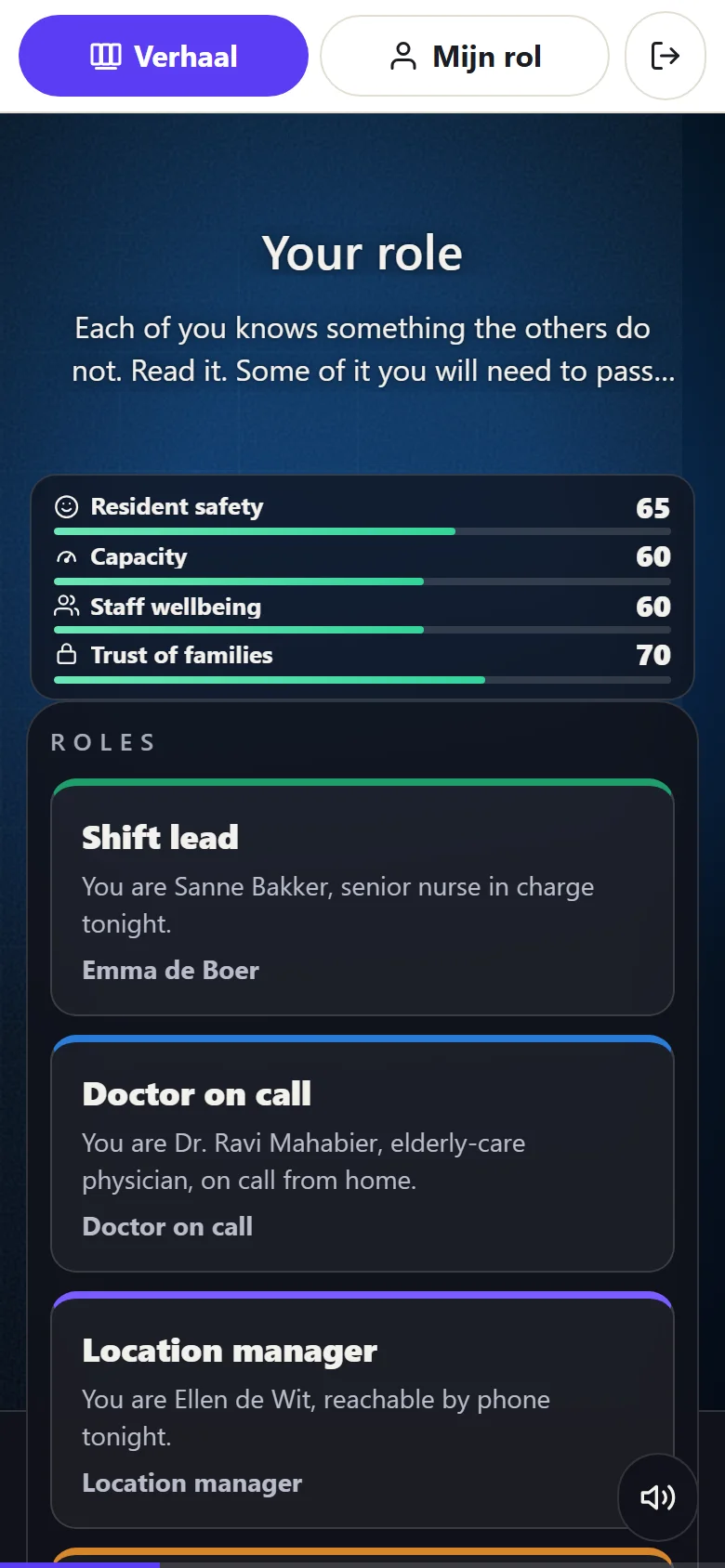
A team handles one incident; each player has a role with secret information on their phone, a central screen plays the story. Afterwards the debrief shows who knew what when. Also playable solo, with virtual colleagues.
A library of examples: CEO fraud, a night on a care ward, a building site.
With a game master or automatic; as a team or solo with a choice of role.
Make your own scenario with an AI wizard and an editor.
Step 2
With Gaussian splatting you capture a real space as a 3D scene in the browser. A phone scans a room (RoomScan); in a lesson the learner walks through the scene and answers questions at marked spots.
Honest about the limit: there is no ready-made library of training scenes yet; you capture or upload each scene yourself.
Scan a real room with your phone and turn it into a 3D scene.
The quiz hangs on marked points in the scene itself.
Practise risky places safely, without going there.
Step 2
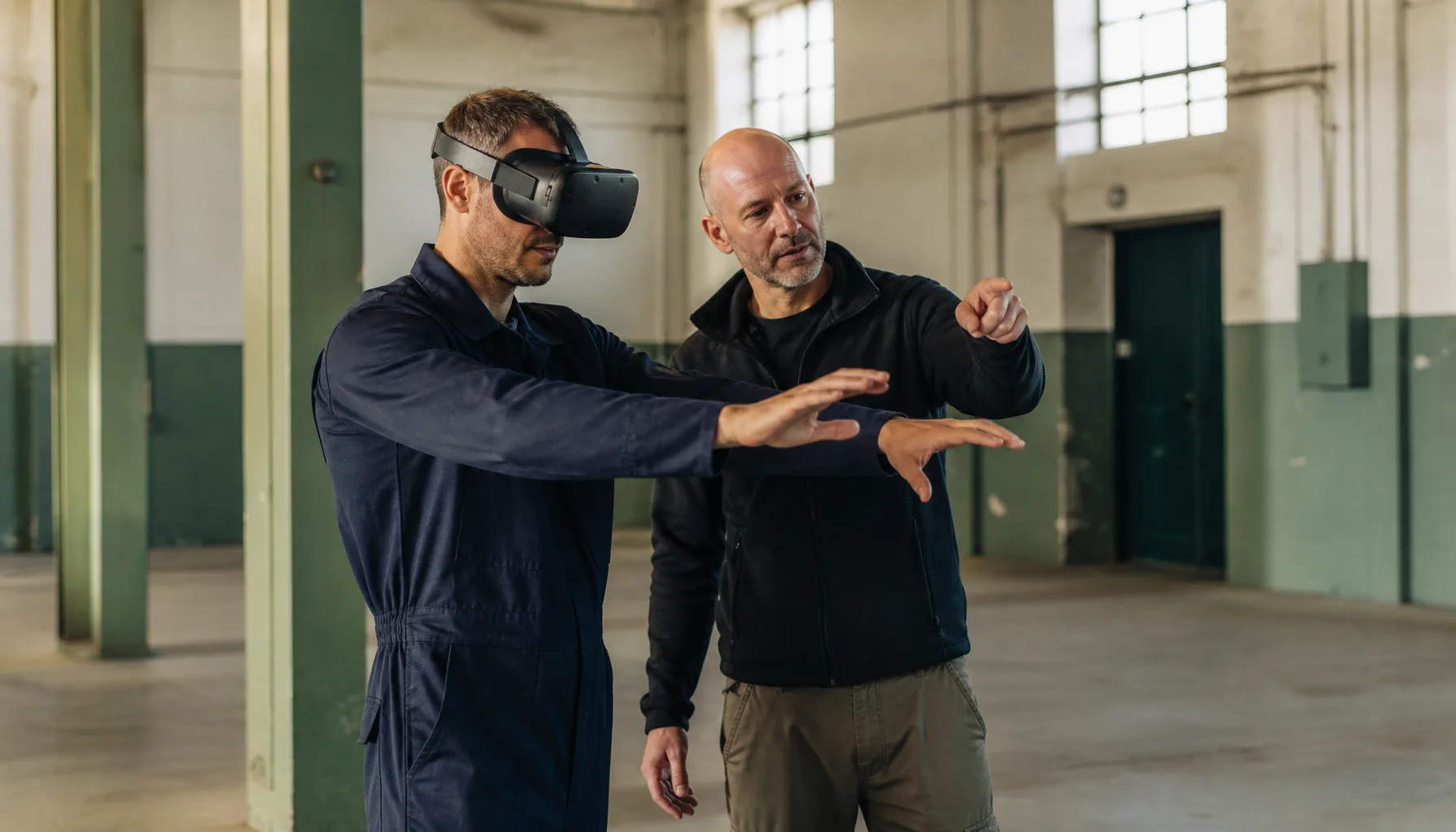
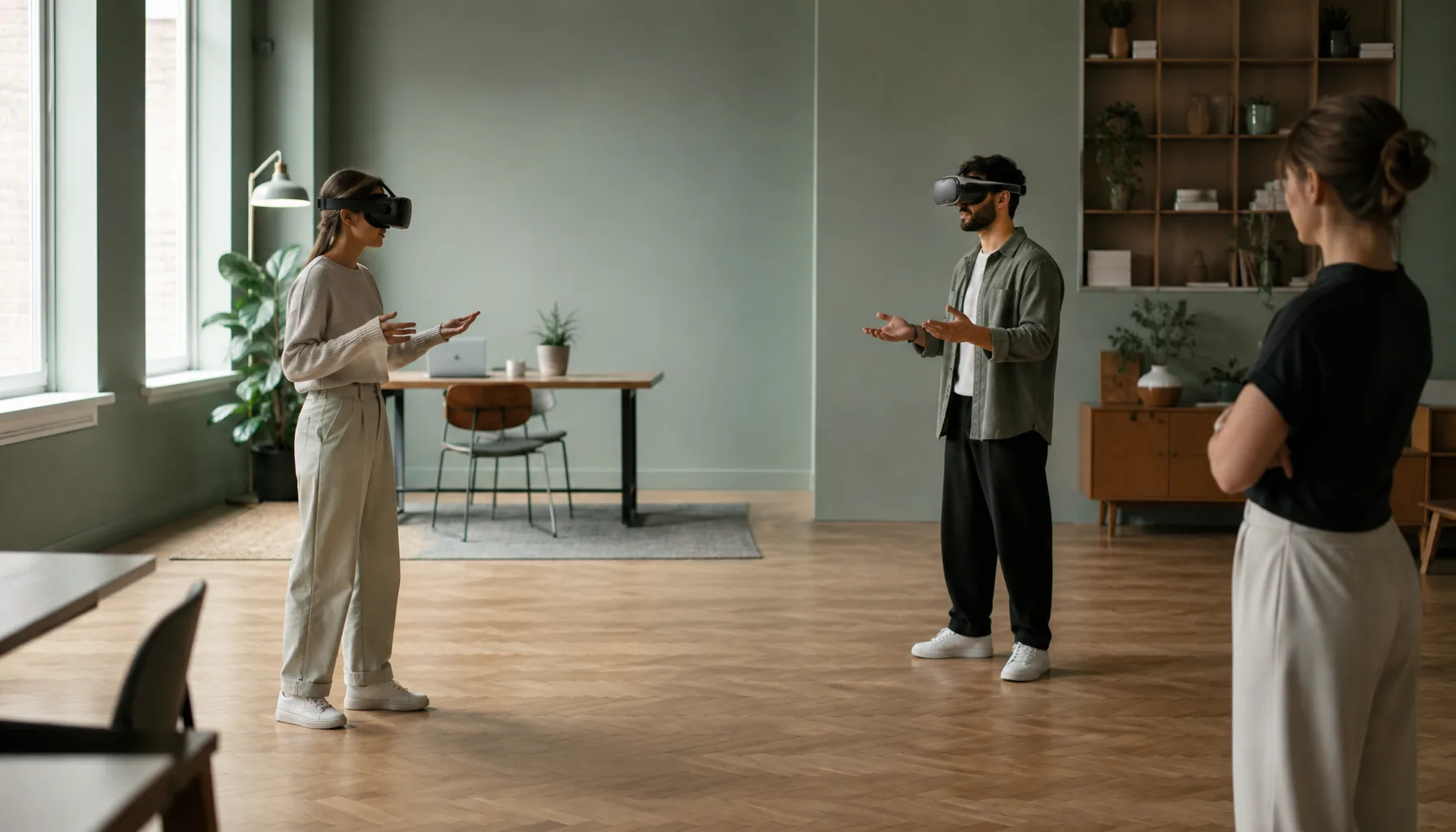
VR is built in Unity, separate from the web platform. You play scenarios (interactive video, a 360 room or a 3D scene) in the browser or with a headset; score and recording land on the journey timeline.
Built in Unity: a VR project of its own next to the web platform.
You play the same scenario in the browser or with a headset.
Score and recording on the journey timeline.

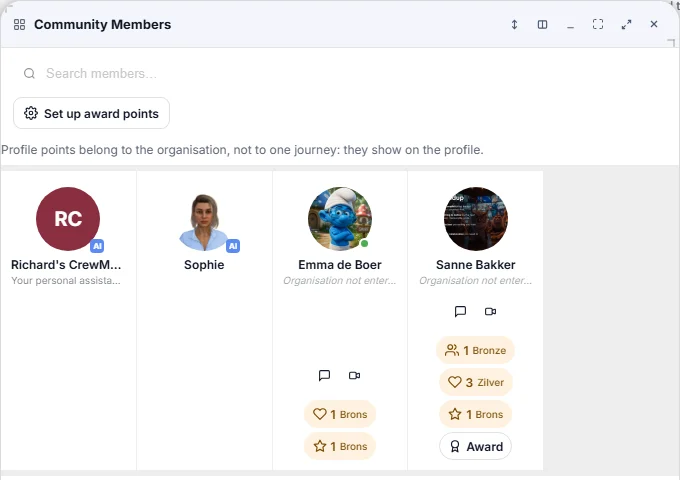
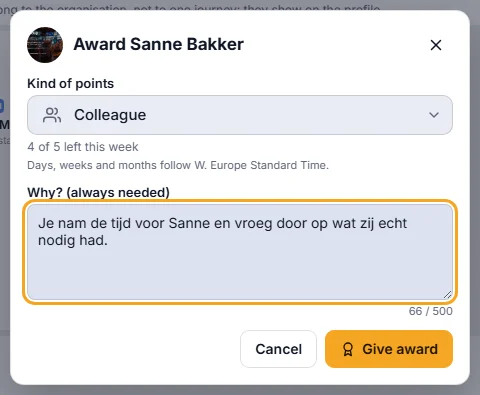
Points per question, a leaderboard and challenges are the light side. On top, the organisation sets up awards with ranks (such as bronze and silver) that colleagues give each other with a mandatory reason, plus certificates and growth paths.
Awards with ranks: colleagues recognise each other, and the reason is shown.
A PDF certificate per journey, with a public verification page.
Growth paths with levels and requirements, and a leaderboard for the playful side.
Step 3
One login also gives you documents, workflows, chat, calendar and video calls. A journey has a timeline and a community chat. Speak something in and a voice report slide writes it up; the next button takes you on into a swipeslide.
Workflows grant access and assign slides to people.
Chat and timeline per journey: questions sit with the material.
Learning KPIs next to your other numbers in a Control Room.
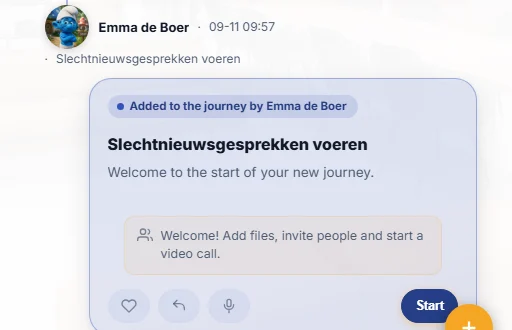
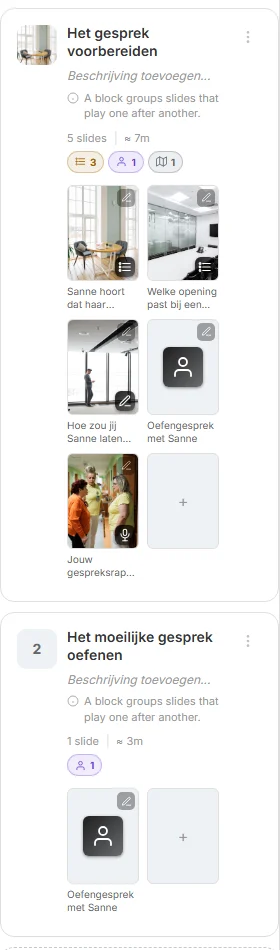
A journey is a tree of steps and branches, with goal, members, roles, calendar, call and chat. Progress is tracked per learner and per step; completing it earns certificates.
A route with branches, adaptable to what someone already knows.
Calendar, call and chat belong to the journey.
Export and import: take a journey with you and reuse it.
Step 4
A teacher is simply an administrator of the journey and sees classes, runs, sessions and results. Trainings have scheduled dates with registration and invitations; a live scenario game has a teacher view with players, scores and interventions.
Trainings with dates, registration, seats and calendar invitations.
Teacher view during a game: see players and scores, step in.
Results are kept, so you can look back and compare afterwards.
Step 5
Questions carry a weight and a theme, open answers are graded by AI, and per learner the AI writes a personal report (multilingual, as Word or PDF). Already have an LMS? SCORM, xAPI and LTI 1.3.
Scores per theme with weighted questions: see where it falls short.
AI grades open answers and gives feedback, more than right or wrong.
Statistics per journey and per learner, and a journey also runs inside Moodle, Canvas or Brightspace.
Guides and examples: from microlearning and feedback to scenario games, measuring and the learning journey from start to finish.
Learning that lives in the work: short swipeslides, practice with AI characters, scenario games and 3D scenes, in a work platform that also holds documents, chat, workflows and video calls. A journey runs from learning goal to measurement and improvement.
A learning platform where AI helps to create, practise and measure training. In CoVince, AI drafts a first training from a topic or document, employees practise conversations with AI characters, and AI grades open answers. Your expert stays in control.
An AI colleague in CoVince. In a practice conversation a CrewMate plays a role, such as a customer or a colleague. Beyond that, the personal CrewMate and a journey’s CrewMates answer questions and carry out actions.
Both. Large organisations use it beside their LMS, with SCORM, xAPI and LTI 1.3, for scalable and measurable training. Small businesses use AI to build training from their own documents, without a training department.
Learning by making decisions in a realistic situation and seeing the consequences. In a CoVince scenario game a team handles one incident, each player with a role on the phone, with meters, several endings and a debrief. Solo play works too.
No. You can import a Moodle backup, a PDF or an Excel or CSV file of questions, and a journey also runs in an existing LMS through SCORM, xAPI or LTI 1.3.
You give a topic or a document and the AI makes the structure, chapters, slides and texts, with images and video. You review and adjust. A flight check goes through the journey before you publish.
Yes. In a conversation slide the learner talks to a CrewMate, typing or by voice. The conversation is graded and an end report follows. Eight practice scenarios for motivational interviewing are ready as a starting point.
Yes. VR is built in Unity, separate from the web platform. You play scenarios in the browser or with a headset. 360 video, 3D scenes and a phone scan of a real space also work in the browser and on the phone.
Questions carry a weight per theme, open answers are graded by AI, and there are personal reports and statistics per journey. You measure behaviour change at work with signals from the work itself; the learning results are your starting point.
You translate a text in one click per field and reports can be multilingual. Questions can also be imported in several languages.
CoVince is ISO 27001 certified. Who sees and may change which journey depends on the journey and the organisation.
See in half an hour what your learning goal looks like as a learning journey: from the first swipeslide to the measurement. Or email us your question.