
Create employee training with AI, from your own documents
You already have the knowledge: procedures, manuals, slide decks. CoVince uses AI to turn it into interactive training with chapters, slides, questions and images. Your subject-matter expert stays in control and publishes only when it is right.
From a conversation protocol to practice training
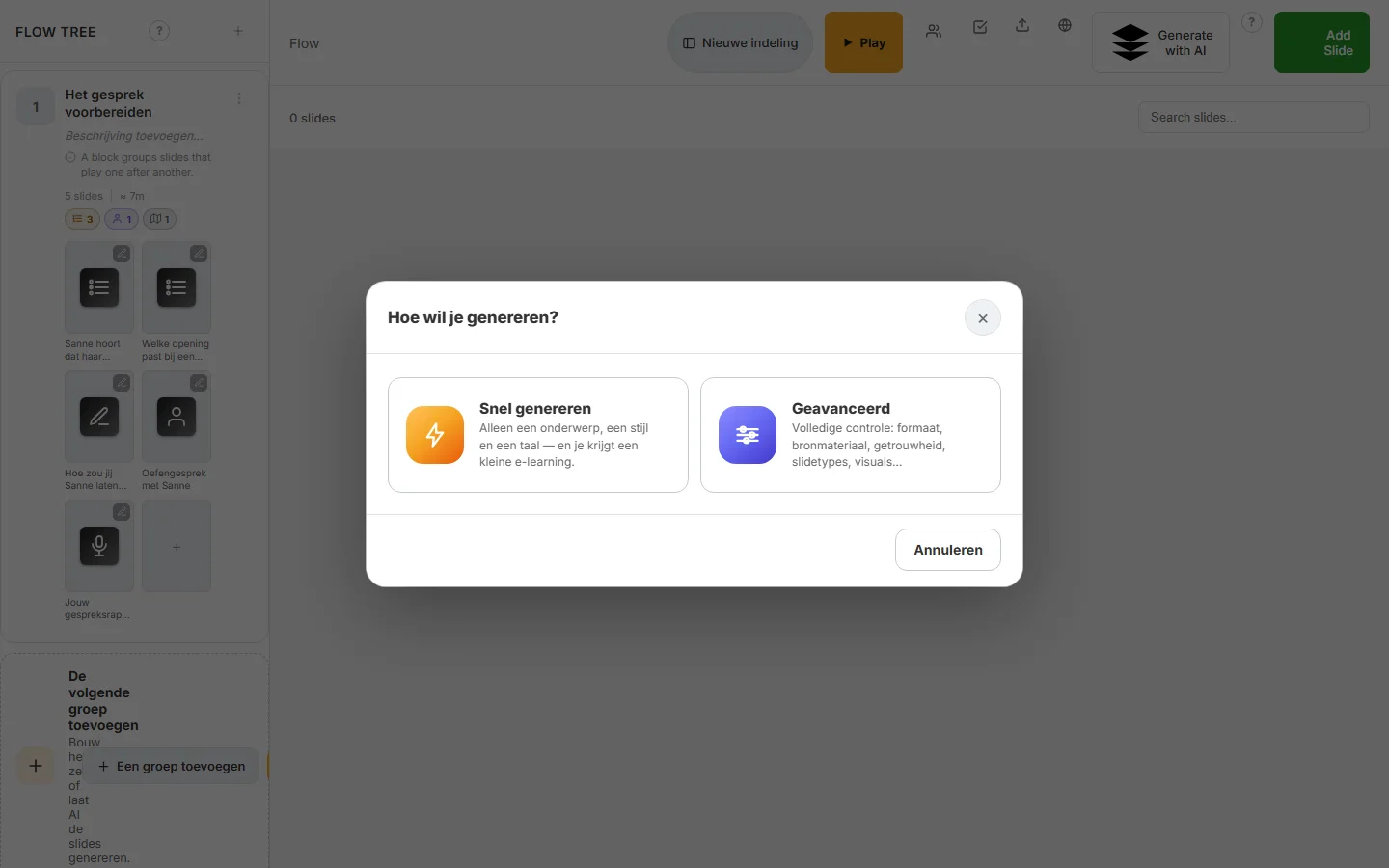
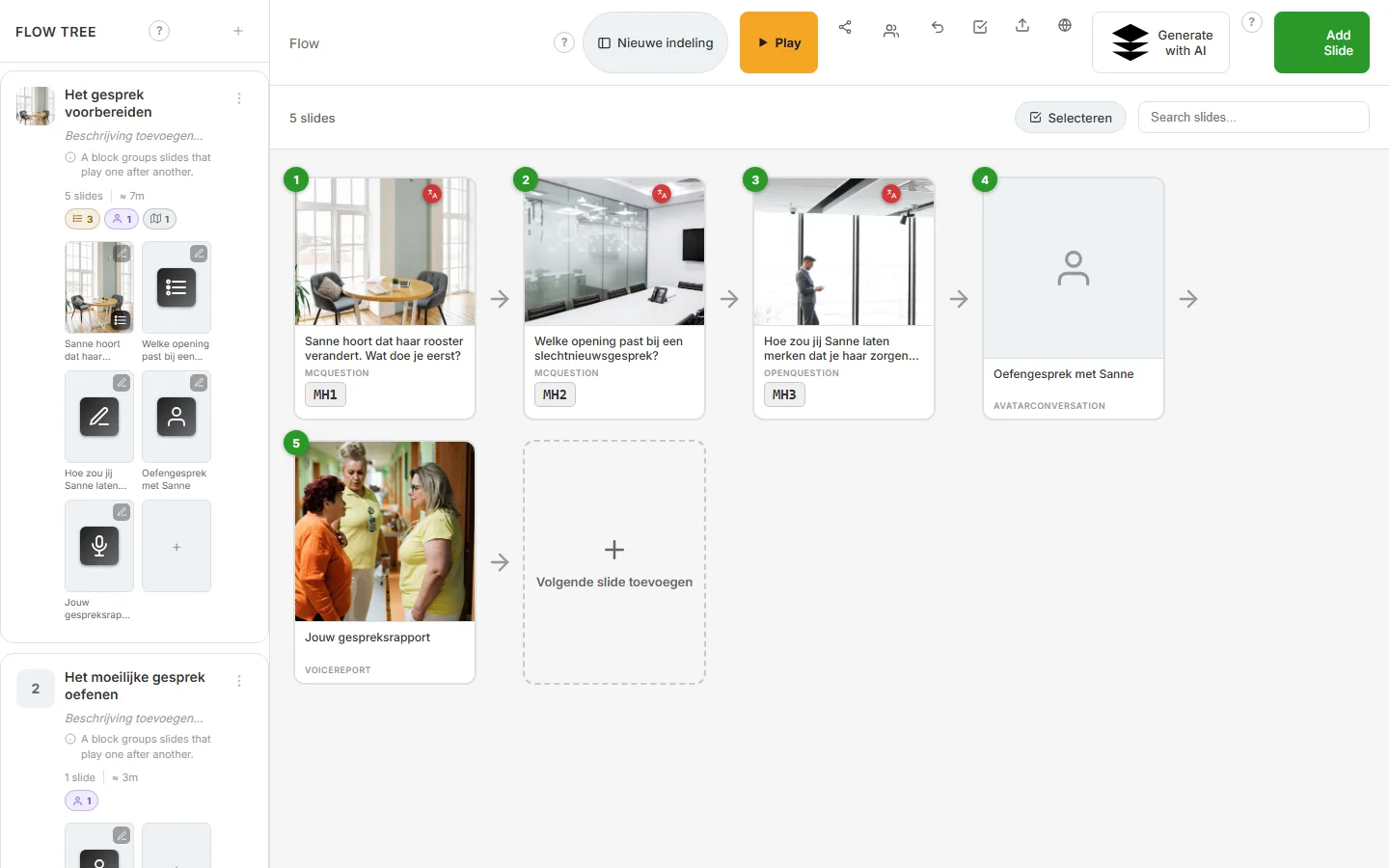
A care organisation wants team leads to deliver bad news better. There is a twelve-page protocol nobody reads any more. The learning designer gives the document to the AI and picks Advanced. Out comes a learning journey Delivering bad news with a first block on preparing the conversation: five slides, two multiple-choice questions about Sanne, whose roster is changing, an open question graded by AI, a practice conversation with a CrewMate and a voice report.
The designer rewrites one question, swaps a photo from the media library and lets the flight check go through the journey. Then it goes live for the team.
AI training from documents: what you get
Start from what you have
A topic, a PDF or a Moodle backup is enough to begin. Import questions from Excel or CSV, in several languages if you like.
Your expert stays in control
AI writes the first draft; you review, rewrite any slide with an AI change and publish only after the flight check.
More than text
The AI places images and video and searches stock photos. Practice conversations, open questions and voice reports live in the same journey.
In every language
Translate any text field in one click; large courses can pause and resume while they generate.
How it works in CoVince
Give a topic or a document
Choose Quick generate or Advanced. The AI creates the structure, chapters and slides.
Refine in the editor
See the flow of the journey, edit any slide, or ask the editor’s AI assistant for a change.
Check and publish
The flight check reviews the journey. Then open it to the group, also as SCORM or through LTI inside your LMS.
Frequently asked questions
Can I create a course with AI from a PDF?
Yes. Give a PDF or a topic and the AI creates the structure, chapters, slides and texts, with images. You review the result before you publish.
Does the content stay ours?
The journey lives in your organisation in CoVince. Who sees and edits it depends on the journey and the organisation. CoVince is ISO 27001 certified.
Can we reuse our Moodle courses?
Yes. Import a Moodle backup one-to-one, or with an AI upgrade into swipeslides.
Does generating use credits?
Generating with AI uses credits; editing by hand and publishing happen in the editor itself.
Read more on the blog
Goes well with
See how this works with your own material?
In a demo we build a first learning journey from your topic or document together, and show how practice and measurement fit in.
Half an hour, with your own learning goal as the example.