
Digital onboarding: from day one to working independently
A new colleague gets too much at once in the first weeks: people, systems, rules. An onboarding journey puts it in the right order, in short steps, with the team chat next to it. The manager sees who is where and what is still open.
The first two weeks of a new team lead
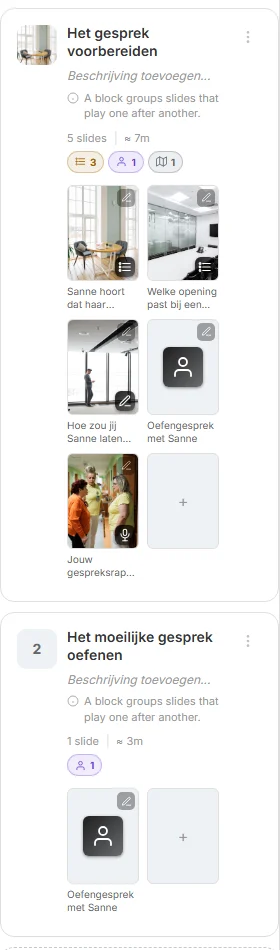
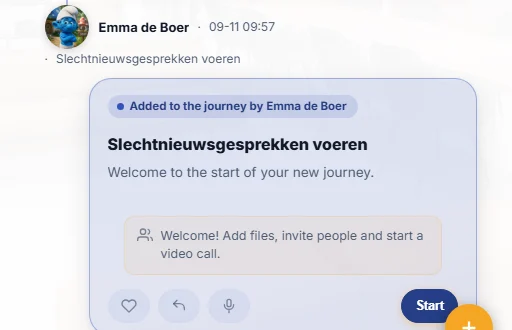
A new team lead gets access to the journey for new managers through a workflow. A card appears on her timeline, “Added to the journey”, with a Start button. Week one: short swipeslides on the agreements and the systems. Week two: the block on the hard conversation, with a practice conversation with a CrewMate.
She asks questions in the journey’s community chat or to the journey’s CrewMate. After the last step comes a certificate, and her growth path shows what comes next.
Digital onboarding: what you get
One route
Steps in a tree with a goal, members, roles, calendar and chat: everyone knows what comes next.
Inside the work
Timeline cards, a chat per journey and a CrewMate that answers questions, in the same platform as documents and workflows.
Set up automatically
A workflow grants access to the journey and assigns slides to the new colleague.
Progress you can see
Progress per learner and per step; completion leads to certificates and growth paths.
How it works in CoVince
Design the route
A journey with a block per week; AI drafts the first lessons from your existing onboarding documents.
Set it up
A workflow grants access and assigns. Training dates with registration and calendar invites can be added.
Follow progress
Statistics per journey and per learner; a certificate and growth path on completion.
Frequently asked questions
What is digital onboarding?
Onboarding new employees along a fixed digital route: short lessons, practice, introductions and tasks, in the right order, with visible progress.
Can we reuse our onboarding handbook?
Yes. Give the document to the AI; it drafts a first journey you then adjust. A PDF or a Moodle backup also works as a start.
How does the manager know how it is going?
Progress per learner and per step, statistics per journey and a personal report per learner.
Does it work on a phone?
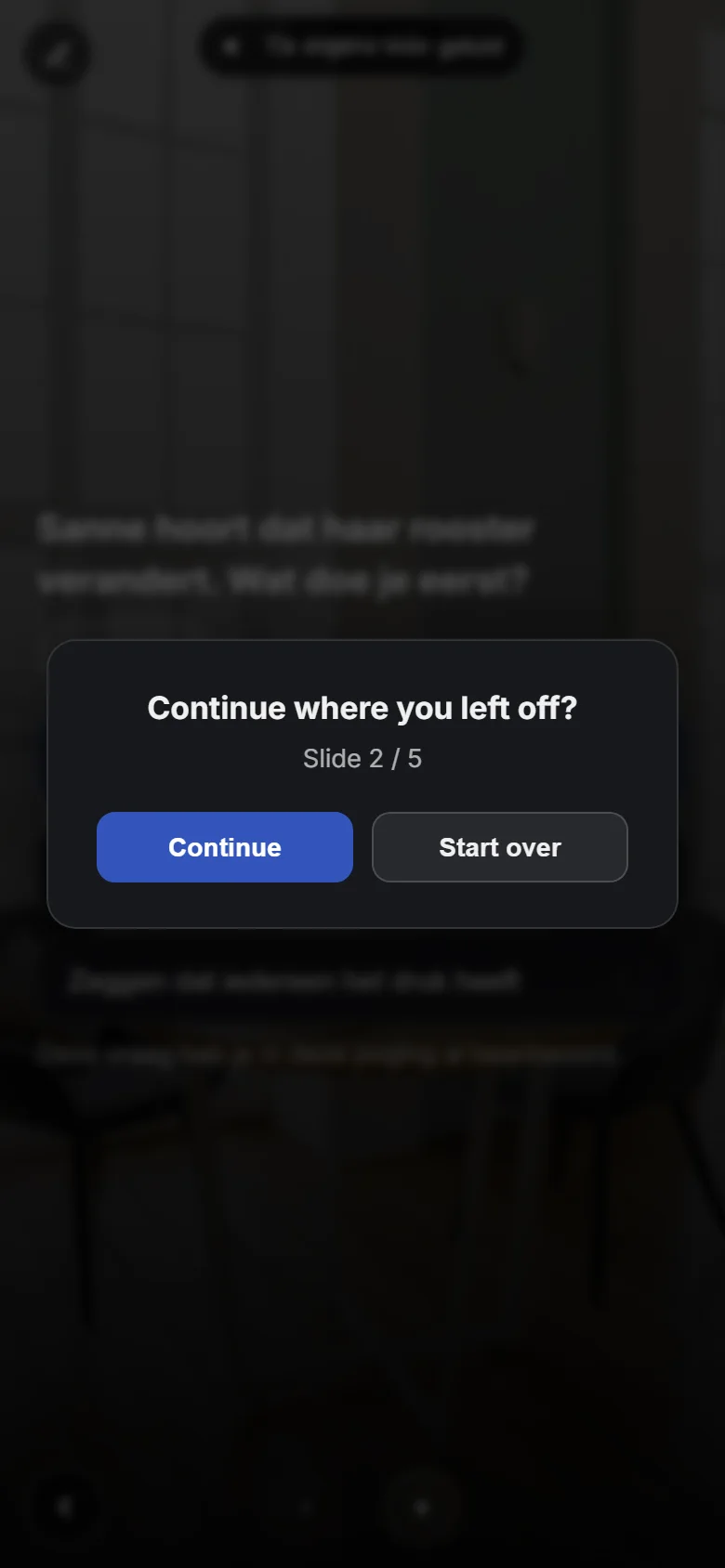
Yes. The swipeslides and the chat work on the phone, and the learner resumes where they stopped.
Read more on the blog
Goes well with
See how this works with your own material?
In a demo we build a first learning journey from your topic or document together, and show how practice and measurement fit in.
Half an hour, with your own learning goal as the example.